
GuidesBuzzTV
BuzzTV
BuzzTV set-top boxes: portal-based setup with the built-in player, or any app via Xtream.
- 1Open the server settingsFrom the BuzzTV launcher open Settings → Servers (on some models open the built-in “Server Line” / “MAC Server” and choose “Add Server”).
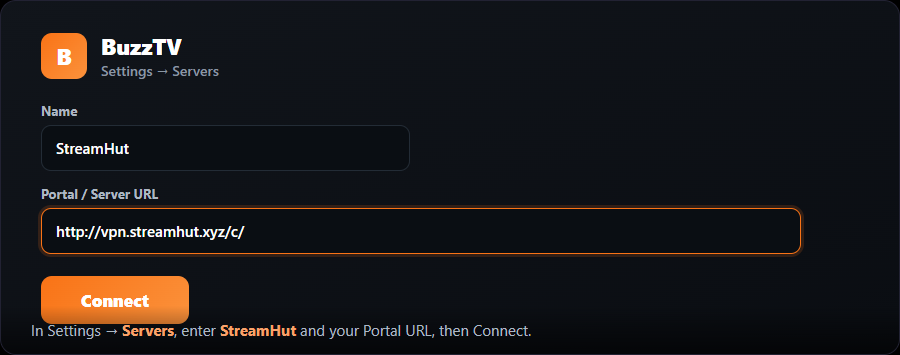
- 2Enter the portalSet the name to “MojoOTT”, paste the Portal / Server URL we provide, and select Connect / Save.
- 3Send us your MACFind your box MAC on the bottom label and send it to us so we can activate it.
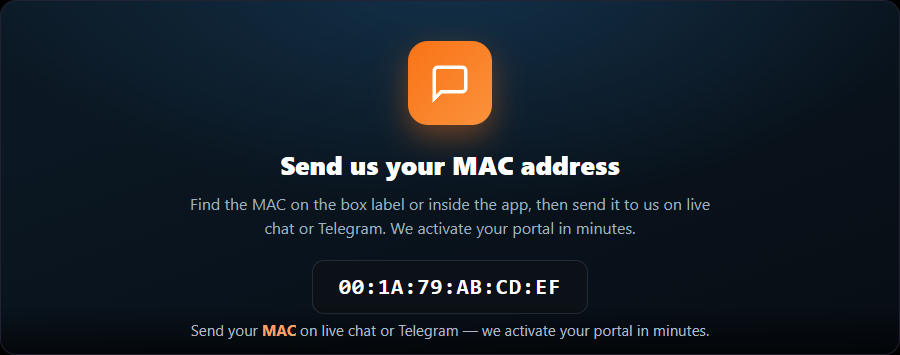
- 4Start watchingRestart the box or the app. Your channels load.
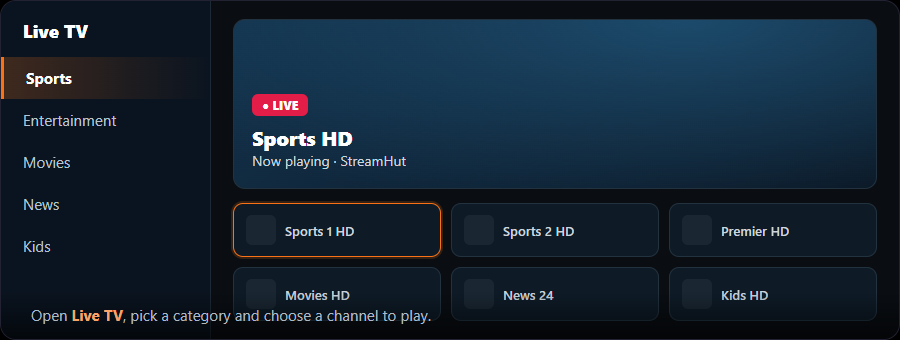
Different BuzzTV models name this screen differently (“Server Line”, “MAC Server”, or “Servers”). The values you enter are the same.