
GuidesFormuler
Formuler
Formuler Z, CC and GTV boxes: use the built-in MYTVOnline app, or any player you like.
- 1Open Content SourcesOpen MYTVOnline 3 → Content Manager → Content Sources → “+ Add”.
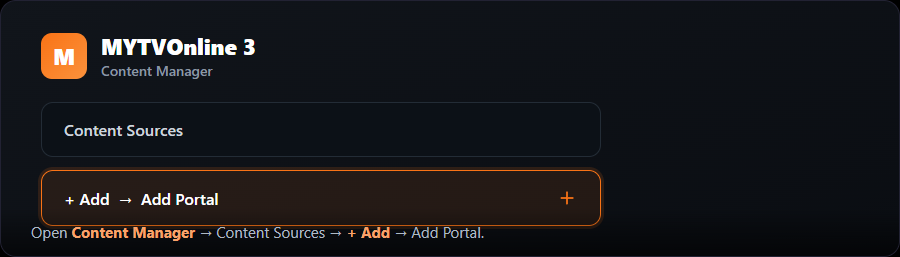
- 2Choose Add PortalSelect “Add Portal”.
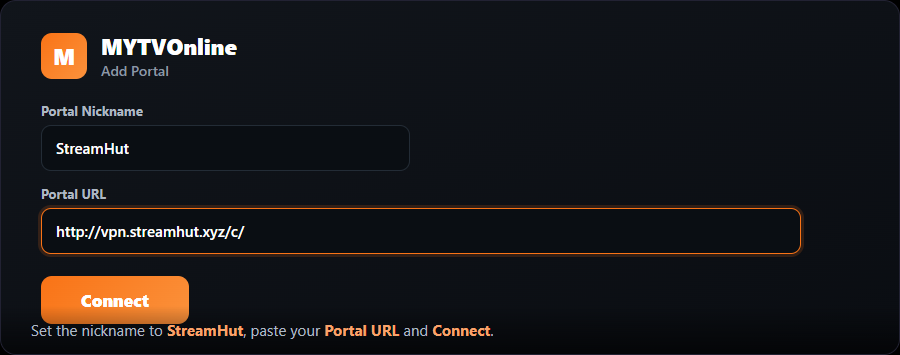
- 3Enter the portalSet the Portal Nickname to “MojoOTT”, paste the Portal URL we provide, and select “Connect”.
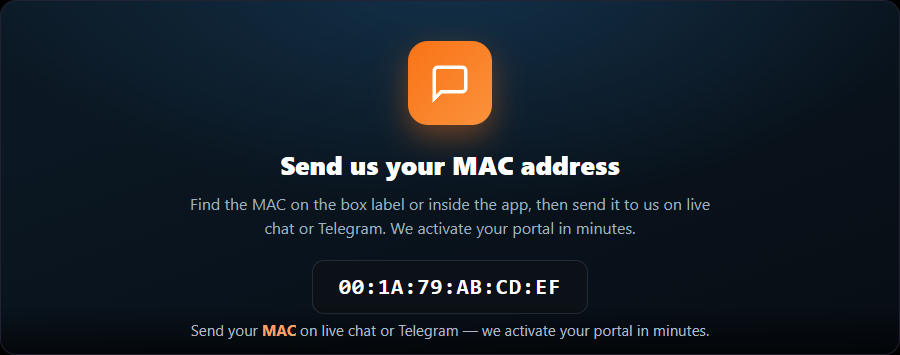
- 4Send us your MACFind the box MAC via the on-screen eye icon (or the box label) and send it to us so we can activate it.
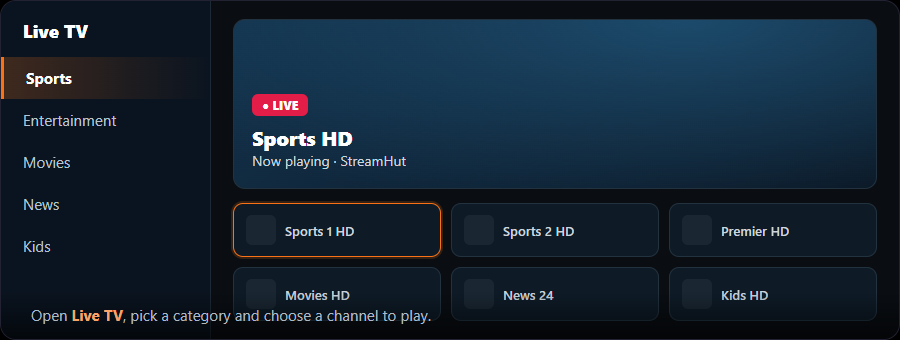
- 5Start watchingAfter it connects, your MojoOTT channel list loads.
Prefer apps? You can also install TiviMate on a Formuler and use your Xtream login. See the “Any player (Xtream)” card.