
GuidesWindows PC
Windows PC
Windows 10 and 11: from a full-featured player to a quick test in VLC.
- 1Install MyIPTV PlayerOpen the Microsoft Store, search “MyIPTV Player” and install it.
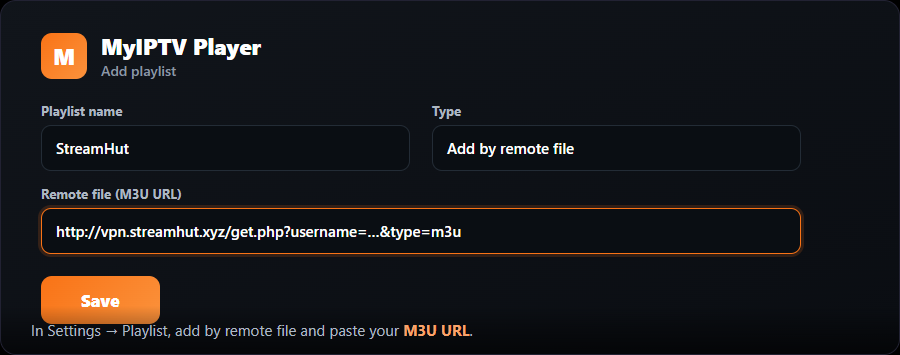
- 2Add a playlistOpen Settings, choose “Add” under Playlist, and select “Add by remote file”.
- 3Paste your M3U URLPaste your MojoOTT M3U URL, give it the name “MojoOTT”, and save.
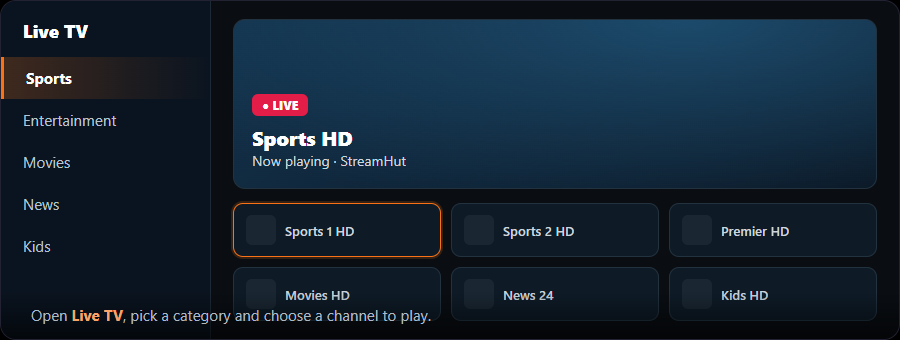
- 4Start watchingOpen the “Channels” tab and pick a channel.
You can add an EPG/program-guide URL in the same Settings screen if you want the guide.