
GuidesAndroid & Google TV
Android & Google TV
Phones, tablets, Android TV and Google TV boxes: Nvidia Shield, Chromecast with Google TV, MeCool and more. The quickest setup of all, straight from the Play Store.
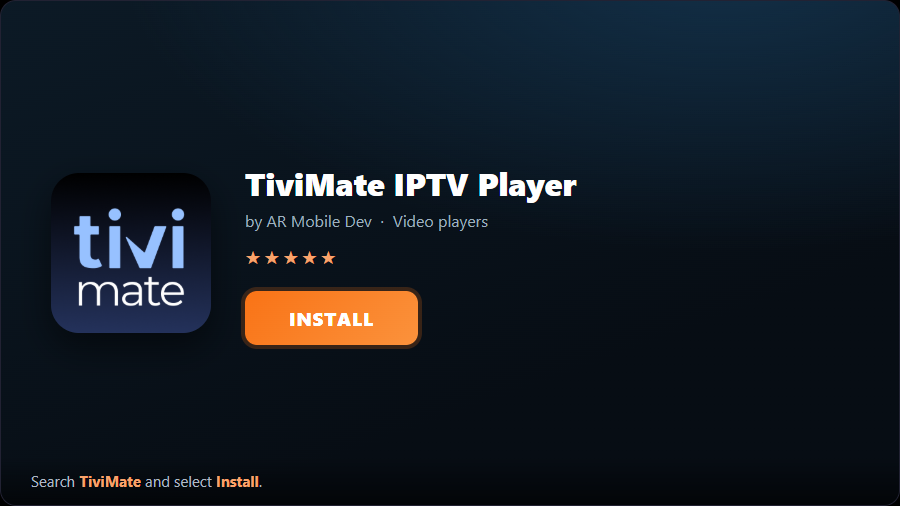
- 1Install TiviMateOpen the Google Play Store, search “TiviMate” and install it. (TiviMate is built for TV boxes; on a phone, IBO Player Pro is a better fit.)
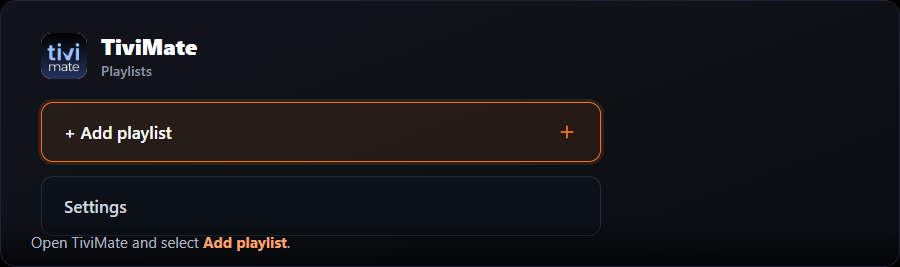
- 2Add a playlistOpen TiviMate and select “Add playlist”.
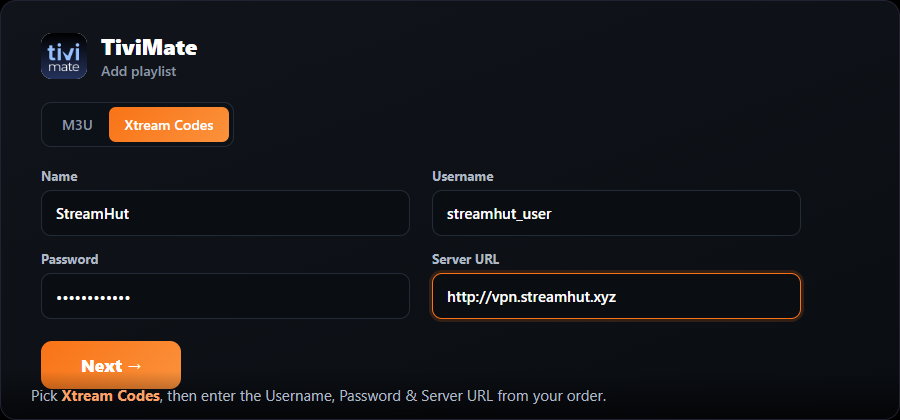
- 3Choose Xtream CodesPick “Xtream Codes”, name it “MojoOTT”, then enter your Username, Password and Server URL from your order.
- 4Let it loadTiviMate processes the channels and loads the TV guide automatically. Select Next / Done.
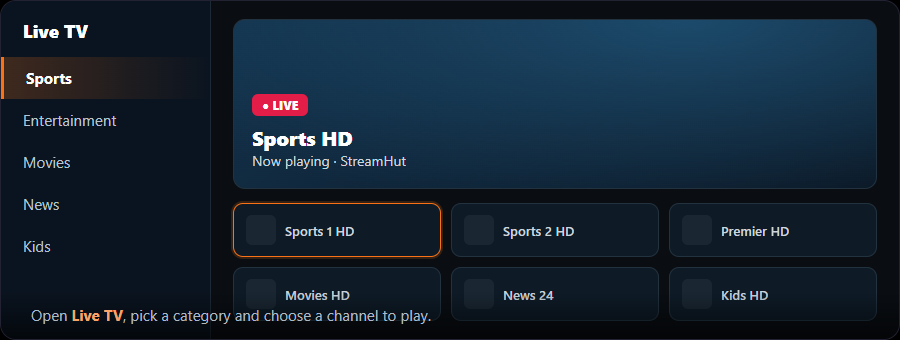
- 5Start watchingOpen the channel list, pick a category and choose a channel.
The optional one-time Premium unlock adds recording, the full on-screen guide and multiple playlists.