
GuidesAmazon Firestick / Fire TV
Amazon Firestick / Fire TV
Fire TV Stick, Fire TV Cube and Fire TV: install a player with the Downloader app, then sign in.
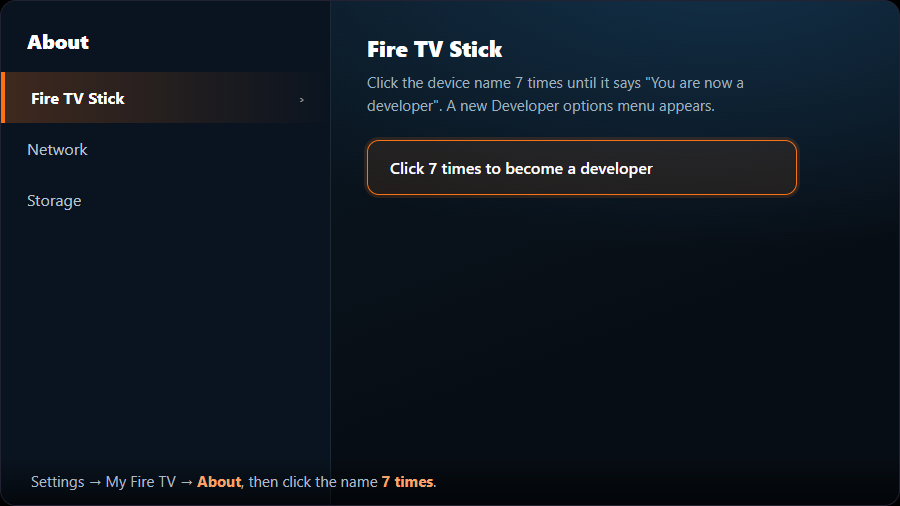
- 1Open Developer optionsFrom the Fire TV home screen go to Settings → My Fire TV → About and click your device name 7 times until it says “You are now a developer”. A new “Developer options” menu appears.
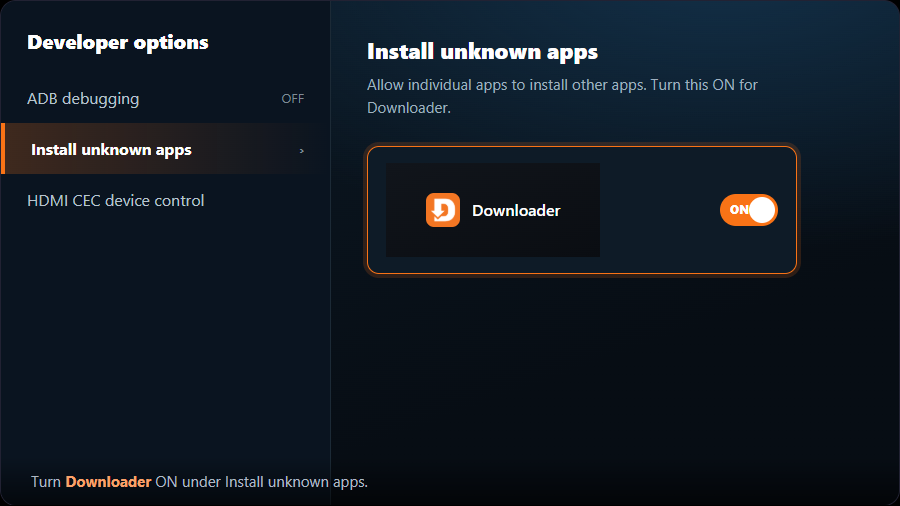
- 2Allow app installsOpen Settings → My Fire TV → Developer options and turn on “Install unknown apps” (older models call it “Apps from Unknown Sources”).
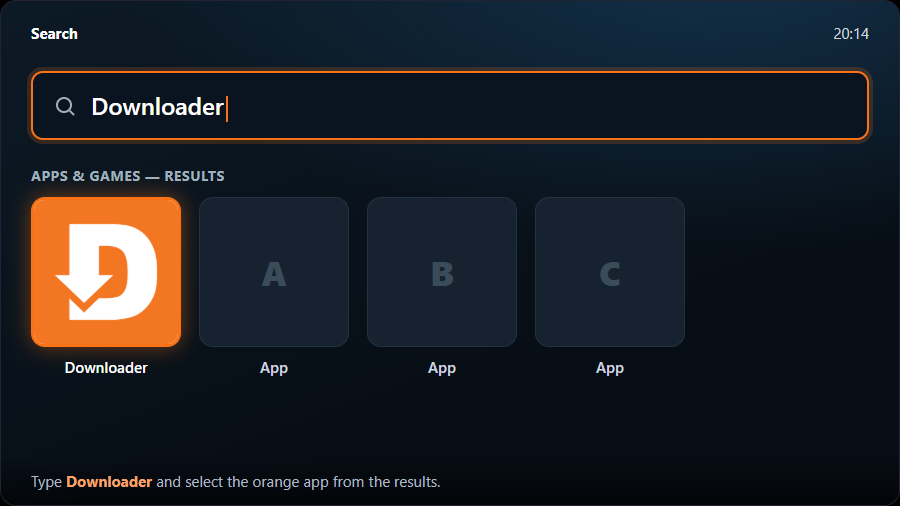
- 3Install the Downloader appBack on the home screen open Find → Search, type “Downloader”, choose the orange Downloader app and select Get / Download. Open it once and allow access when asked.
After your player is installed you can turn “Install unknown apps” back off if you prefer. It is only needed during installation.