
GuidesiPhone, iPad & Apple TV
iPhone, iPad & Apple TV
iPhone, iPad, Apple TV and Mac: install from the App Store and sign in with your Xtream login.
- 1Install IBO Player ProInstall IBO Player Pro from the App Store and open it.
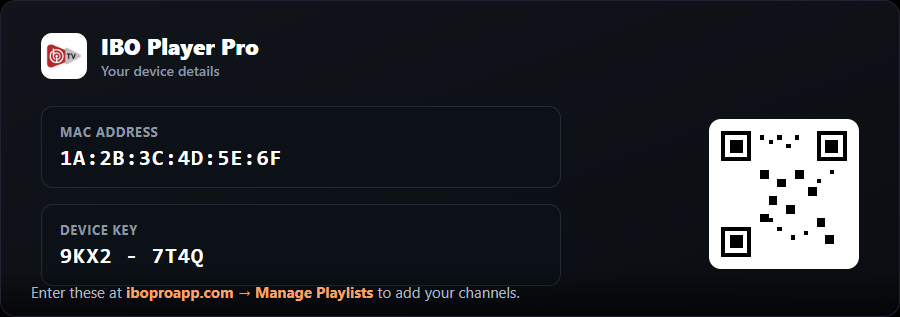
- 2Note your device detailsThe app shows your MAC Address and Device Key (and a QR code). Keep this on screen.
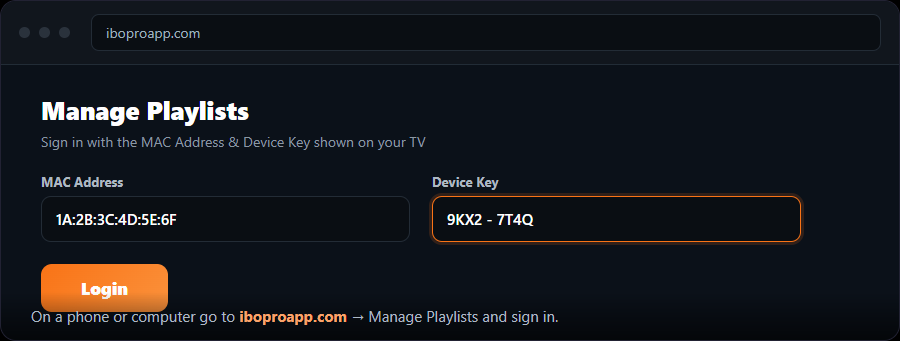
- 3Open the playlist managerOn a phone or computer go to → “Manage Playlists” and sign in with the MAC and Device Key.
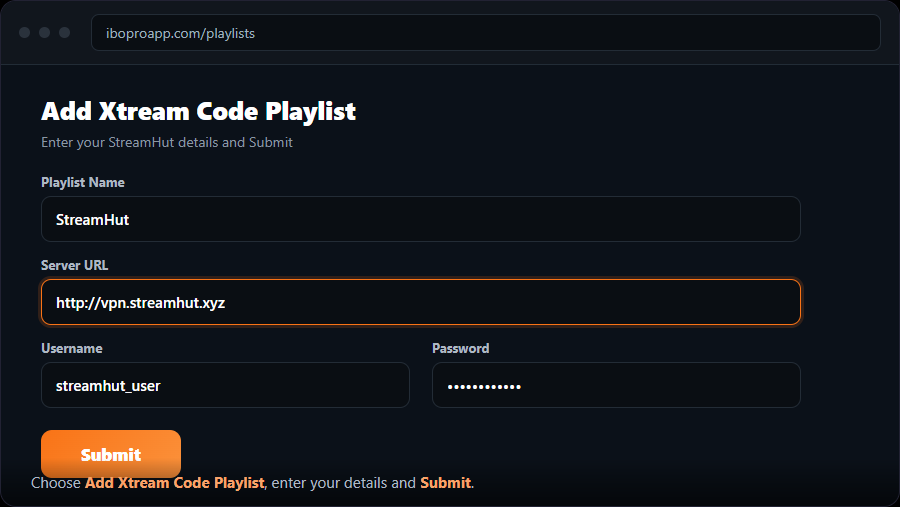
- 4Add an Xtream Codes playlistChoose “Add Xtream Code Playlist”, name it “MojoOTT”, enter your Server URL, Username and Password, and Submit.
- 5Reload on your deviceRestart IBO Player Pro. Your channels appear.
Free for 7 days, then a one-time fee per device on .