
GuidesRoku
Roku
Roku stick, box and Roku TV: use IBO Player Pro, or cast from your phone.
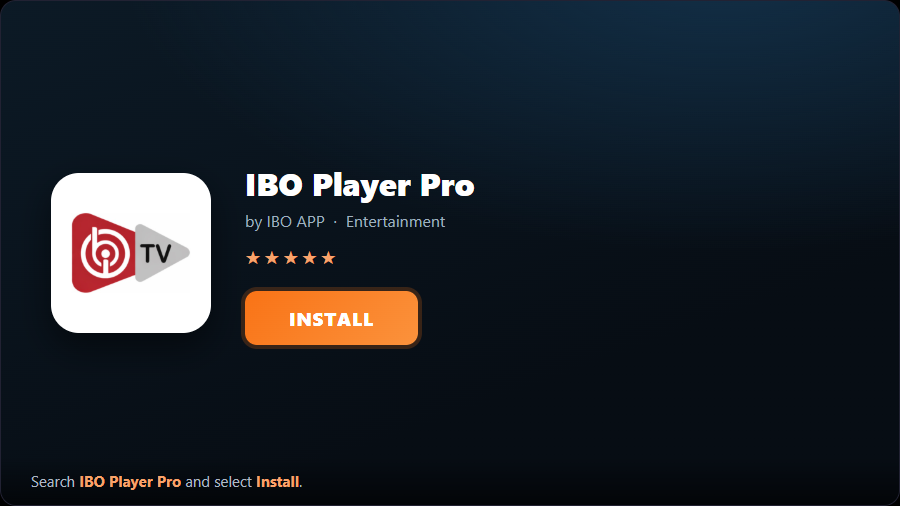
- 1Add the channelOn your Roku open the Channel Store, search “IBO Player Pro”, and select “Add Channel” to install it.
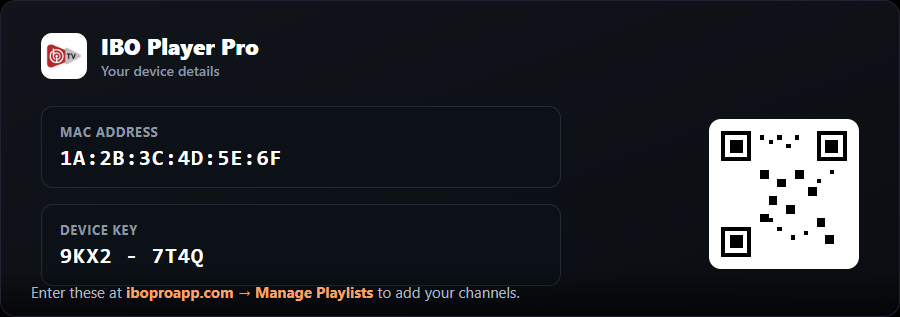
- 2Open it and note the codesOpen IBO Player Pro. It shows your MAC Address and Device Key (and a QR code). Keep this on screen.
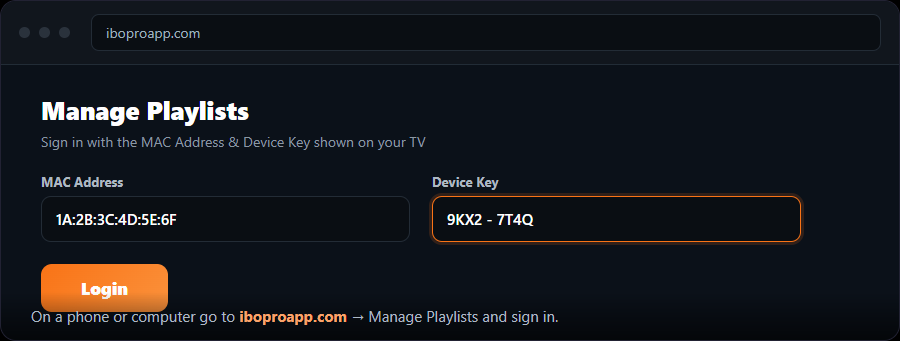
- 3Open the playlist managerOn a phone or computer go to → “Manage Playlists” and sign in with the MAC and Device Key from your Roku.
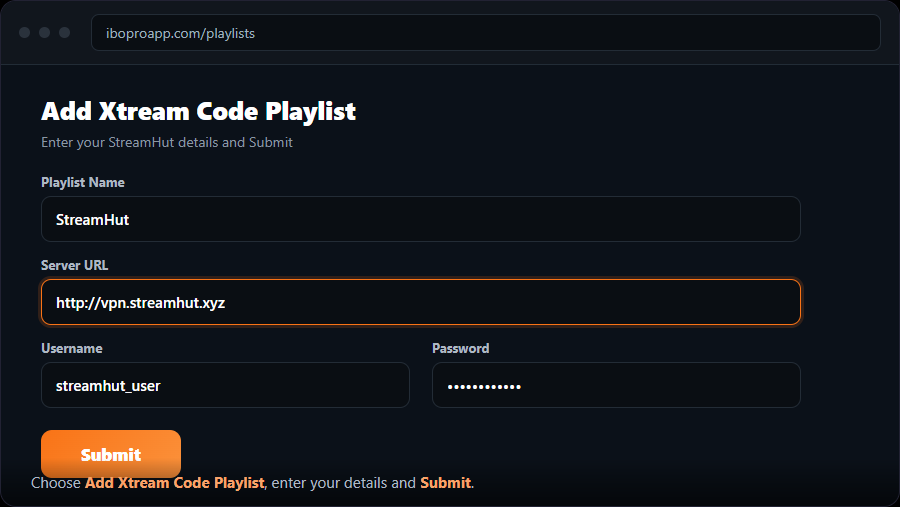
- 4Add an Xtream Codes playlistChoose “Add Xtream Code Playlist”, name it “MojoOTT”, enter your Server URL, Username and Password, and Submit. (Or “Add M3U”.)
- 5Reload on your RokuRestart IBO Player Pro on the Roku. Your MojoOTT channels appear.
Roku is the strictest platform for IPTV. If IBO ever misbehaves, the casting method below is a dependable backup.